


A single sheet left on a desk can expose more than most teams realize. Payroll details, patient forms, customer lists, account numbers, intake packets, and handwritten notes can be seen, copied, misplaced, or tossed in the wrong bin when they stay out in the open. A clean desk policy gives employees clear rules for handling paper documents, devices, and workspaces during the day and at closing time.
For offices that handle confidential information, this is more than housekeeping. It helps reduce routine exposure, supports stronger privacy habits, and connects day-to-day behavior to storage and disposal decisions. It also gives employees a clearer answer to a basic question: should this stay in use, go into secure storage, or move to destruction?
What Is a Clean Desk Policy?
A clean desk policy is a workplace rule that requires employees to secure sensitive materials whenever they leave a workspace and at the end of the day. In plain terms, confidential information shouldn’t stay accessible when no one is actively using it.
That usually includes:
- Paper files and printed reports
- Notebooks with customer or employee details
- Sticky notes with passwords or account information
- Badges, removable media, and portable devices
- Unattended computers, tablets, and phones
Most offices should pair that rule with a clear-screen expectation. When someone steps away from a workstation, the screen should lock, and sensitive papers should go into an approved drawer, cabinet, or secure collection point.
Why a Clean Desk Policy Matters
Routine work creates routine exposure. Print jobs sit in trays and meeting notes stay behind in conference rooms. Intake packets get left on counters, while temporary piles turn into everyday clutter. A clean desk policy helps stop those small lapses before they become privacy problems.
It can also support compliance efforts. The Health Insurance Portability and Accountability Act (HIPAA) Security Rule requires covered entities and business associates to use administrative, physical, and technical safeguards for electronic protected health information. The Federal Trade Commission (FTC) Disposal Rule requires covered consumer report information to be disposed of in a way that protects it from unauthorized access. National Institute of Standards and Technology Special Publication 800-122 also stresses protecting personally identifiable information from improper access, use, and disclosure.

A clean desk policy doesn’t replace those obligations. It gives them a daily operating habit. When staff clear desks, lock screens, and move expired documents into approved destruction, the chance of stray exposure drops.
Key Policy Elements
A useful policy should guide behavior without reading like a legal memo. At a minimum, it should answer a few direct questions:
- What counts as sensitive information?
- When must employees secure it?
- Where should active documents and devices be stored?
- What happens to unattended materials at printers, meeting rooms, and shared desks?
- How should expired documents be destroyed?
Disposal is where many policies struggle. Teams are told to clear desks, yet no one gives them a simple, approved path for getting rid of old paper. Then documents pile up in drawers, cabinets, mail rooms, and side offices because no one wants to make the wrong call.
Tie the policy to a retention schedule and a disposal process. Active documents should move into approved storage. Documents that have reached the end of retention should move into secure destruction instead of sitting in a stack for another quarter.
A Sample Clean Desk Policy
When drafting a policy from scratch, plain language usually works best. For example:
Employees must secure confidential papers, notebooks, removable media, company devices, and printed reports whenever they leave their workspace for meetings, breaks, or the end of the day. Screens must be locked when unattended. Sensitive documents may not be left on desks, printers, conference tables, or reception counters when they are not in active use. Documents approved for destruction must be placed in designated secure containers and never discarded in open trash or recycling bins.
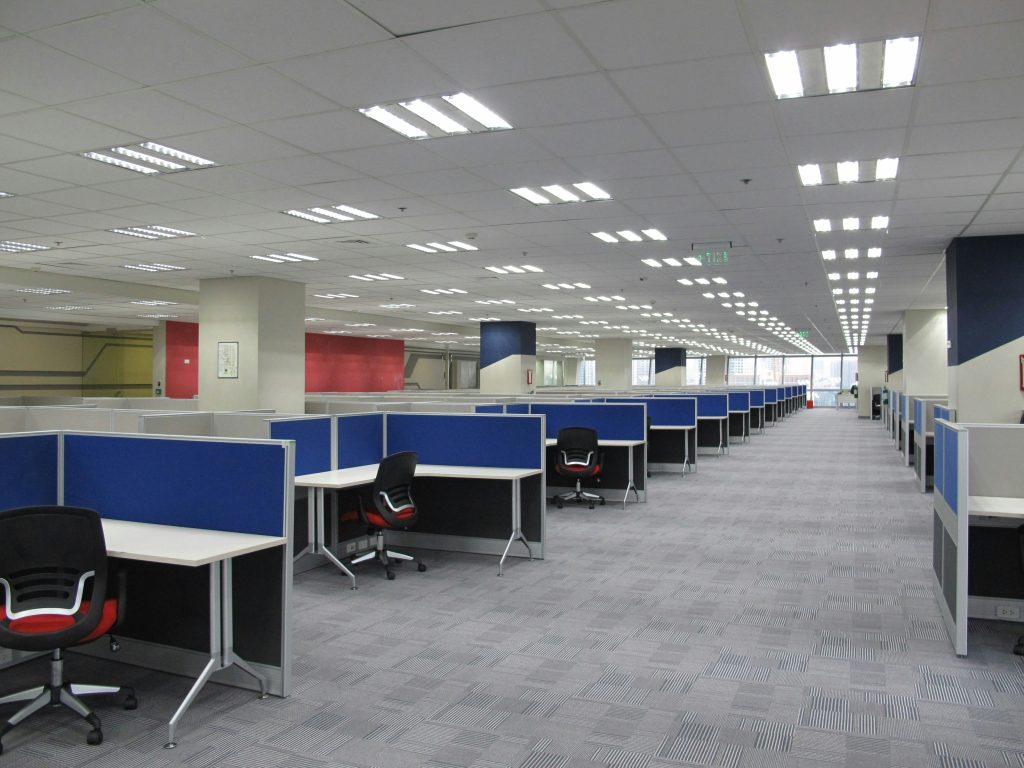
This wording fits many offices, though department examples should change by function. Human resources teams may need references to employee paperwork and benefits forms. Finance teams may need examples tied to invoices, tax documents, and bank details. Health care and education settings usually need tighter examples because the documents involved can trigger immediate privacy, legal, and reputational risk.
Clean Desk Checklist
For company-wide rollouts, a short checklist gives employees something they can use right away:
- Lock your screen before stepping away.
- Put active paper files in approved drawers or cabinets when they are not in use.
- Clear printers, copiers, and conference rooms before leaving.
- Remove notes that contain passwords, account details, or personal data.
- Store badges, removable media, and devices out of public view.
- Move expired documents into secure destruction containers.
- Review your workspace before lunch, before meetings, and at the end of the day.
A short checklist makes the policy easier to follow because employees know exactly what to do.
Clean Desk Policy Best Practices
A clean desk policy is easier to maintain when employees have a secure, practical way to move unneeded records out of everyday work areas. That matters in any business, but the stakes rise when the documents involved include private health, student, financial, or employee information.
In health care settings, that can include patient intake paperwork, billing forms, insurance documents, and treatment-related paperwork. Offices handling that kind of material often look into medical shredding services that support privacy expectations and reduce unnecessary exposure.
Schools and universities face a different set of documents, including student transcripts, employee paperwork, financial aid files, disciplinary documents, board materials, and facilities plans. Those environments often need tighter handling rules and consistent disposal habits, which is why many organizations explore education shredding services.
Policies work best when employees can follow them without guesswork. The strongest clean desk policies spell out what needs to be secured, when it needs to be put away, and where it should go next. That means giving people a clear process for active files, unattended printouts, handwritten notes, removable media, and documents that are ready for destruction.
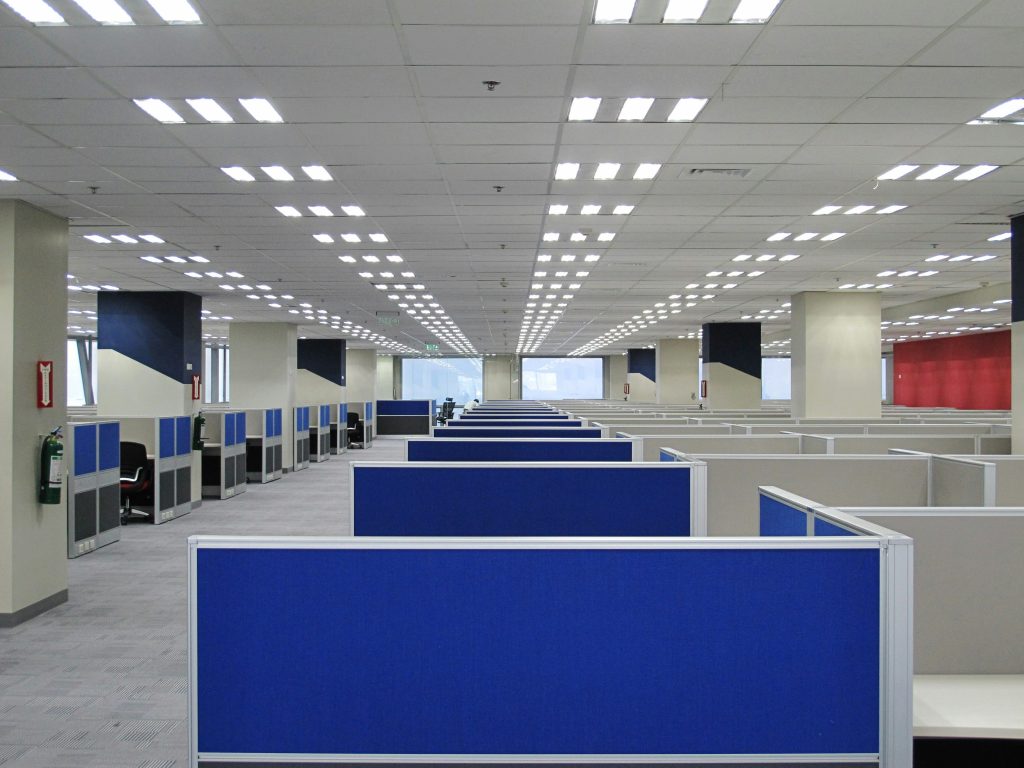
Start with the places where a clean desk policy usually breaks down. Desks matter, but they are only one part of the risk. Printer stations, conference rooms, reception counters, shared worktables, and unlocked drawers often create the same exposure. A stronger policy calls out those areas directly, so employees are not left treating the desk itself as the only workspace that counts.
Storage and disposal also need to be easy to use. Employees are far more likely to follow the policy when lockable drawers, cabinets, and secure collection containers are close by. If the approved process takes too many steps, paper tends to stay in piles. This is also a good place to explain what a certificate of destruction is and when that documentation matters.
Training should focus on real decisions employees make during the day. Show employees what should never stay out on a desk, what belongs in secure storage, what should be picked up right away from printers, and what should move to destruction instead of an open trash can. It also helps to reinforce the policy with periodic clean desk checks and a clear-screen expectation, especially in shared offices and open workspaces. Teams reviewing their disposal process may also want to read whether professional shredding services are safe and how different shredder security levels affect document protection.
A good policy should also reflect the way people work now. Hybrid work, shared offices, and hot-desking change the setting, but not the expectation. Printed documents should not sit on kitchen counters, in cars, or beside home printers after the workday ends. Shared stations should be cleared before the next person sits down, including papers, devices, and visible login sessions.
Document Retention and Destruction
A clean desk policy works best when it feeds into a clear destruction workflow. Many offices discover that their real problem is not desk clutter alone. It’s weak retention discipline.
Disposal should match the way paper builds up in your workplace. A small home-office purge may be easiest to handle through a nearby drop-off shredding location. If confidential documents accumulate week after week, scheduled shredding service can make clean desk compliance easier by turning document disposal into a routine part of the workday instead of a delayed cleanup task.

In some environments, a defined shred-all policy reduces guesswork by making secure disposal the default once a document reaches the end of retention and no legal hold applies.
The right service model depends on volume and oversight needs. A small cleanup may call for one-time purge shredding. Projects that require witnessed destruction may be a fit for mobile shredding. Large volumes that are better handled at a processing facility may point to off-site service.
For compliance-sensitive work, ask specific questions. Can the provider support HIPAA-aligned handling where required? Can they document chain of custody? Can they provide certificates of destruction? Can they meet certification expectations such as the National Association for Information Destruction AAA when the project calls for it?
How Shred Nations Can Help
If you’re ready to implement a clean desk policy, or you want to align disposal with your existing policy, Shred Nations can help. We have a national network of professional document destruction providers, so whether you’re coordinating a small office in Lansdale or a larger footprint in San Diego, consistent policy enforcement gets easier when local service options can support the same security goals. Providers in our network may also offer barcode scanning, electronic signatures, time and date stamps, sealed transport, GPS-tracked transport, and CCTV-monitored facilities, depending on the job scope and provider.
With Shred Nations, you also don’t need to compare vendors one by one, or guess which service model fits your policy — we can help you get competitive quotes. Larger or more sensitive projects are often easier to scope by phone before routing.
To get started, fill out our form or call (800) 747-3365. We will help you turn policy language into an easier document security routine.